lanstash
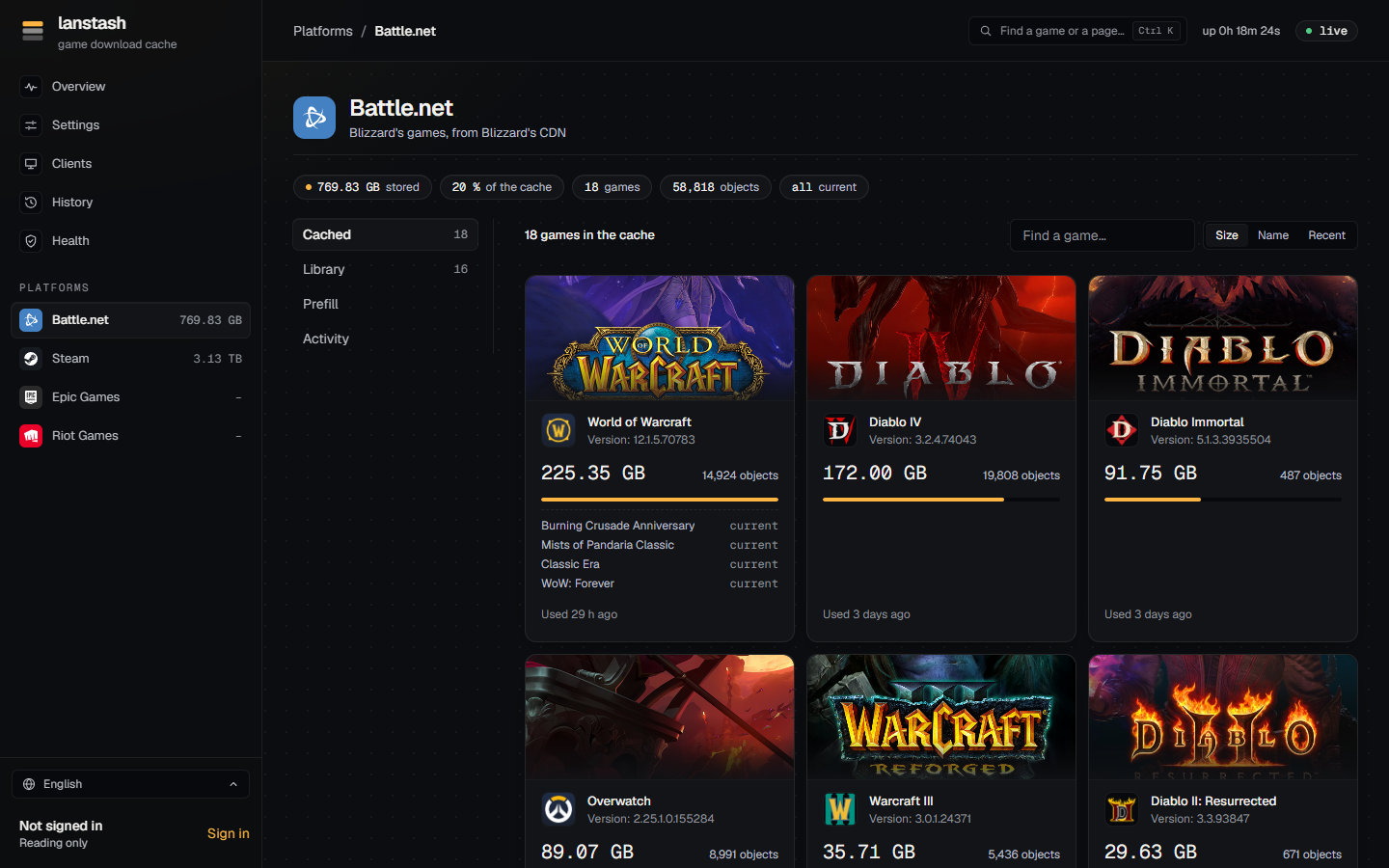
A game download cache for your LAN. Download a game once; every other PC on the network gets it at LAN speed, from your own storage. Steam, Battle.net, Epic Games and Riot.
What it does
-
Caches game downloads
PCs reach lanstash through your DNS, which points the platforms' download hosts at it. What one PC downloads, the next gets from the stash.
-
Built for network storage
Small chunks are packed into large segment files, large archives go to sparse files, and stored bodies are sent with
sendfile. Every stored byte carries a checksum. -
Prefills ahead of time
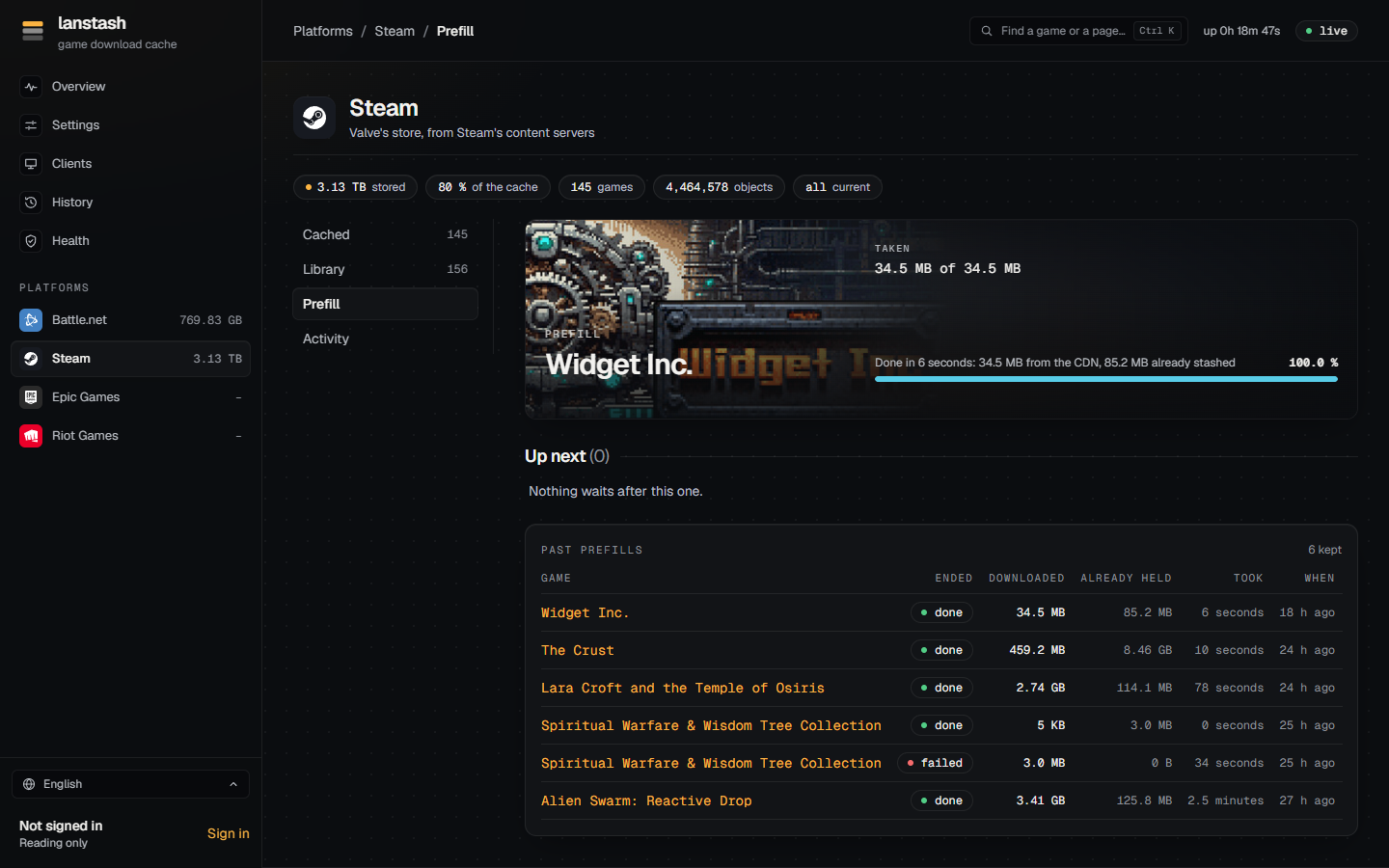
Put a game's current build into the stash before anyone plays it, keep held games up to date on their own, and fetch another platform's or language's install when a Mac or another locale joins the LAN.
-
Knows every build
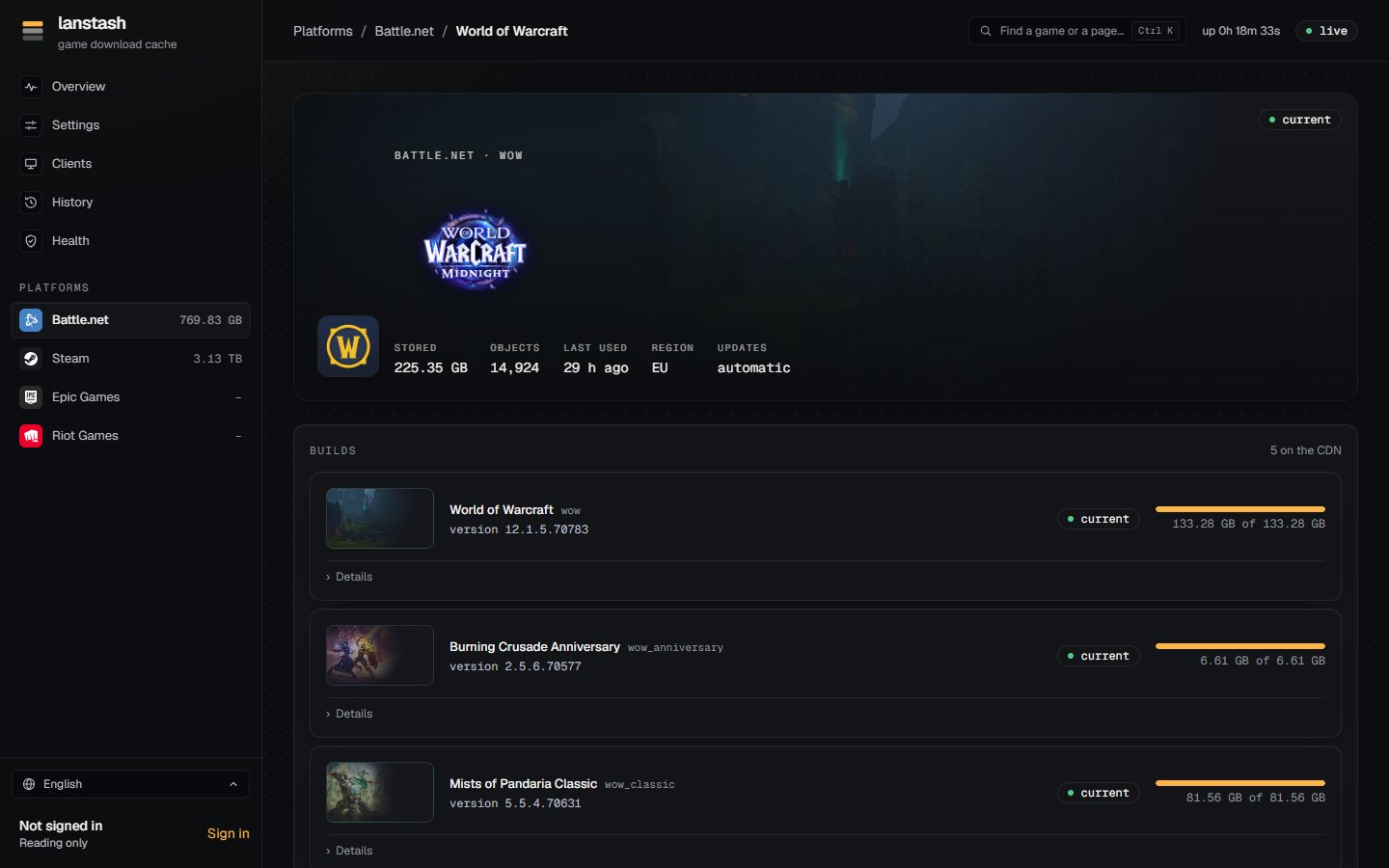
For each game, whether the stash holds its current build, how much of it, and which old files no current build needs any more.
-
Shows what happens
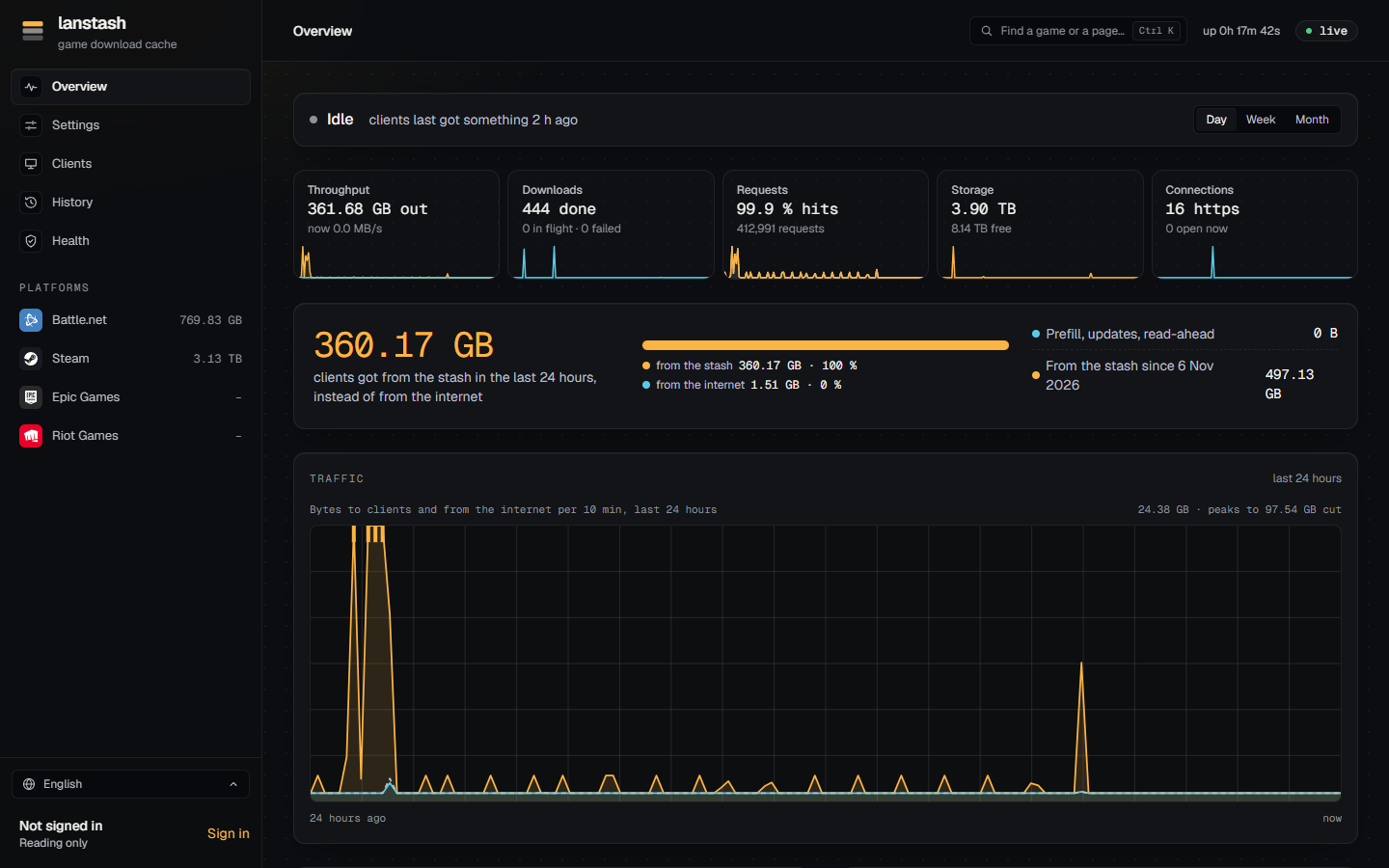
Throughput, downloads, requests, storage and connections, live and over time; who downloaded what; a history of every update.
-
Accounts and privacy
Admins, viewers and players; invite links; hidden games, and players' private games that others see only as "A hidden game".
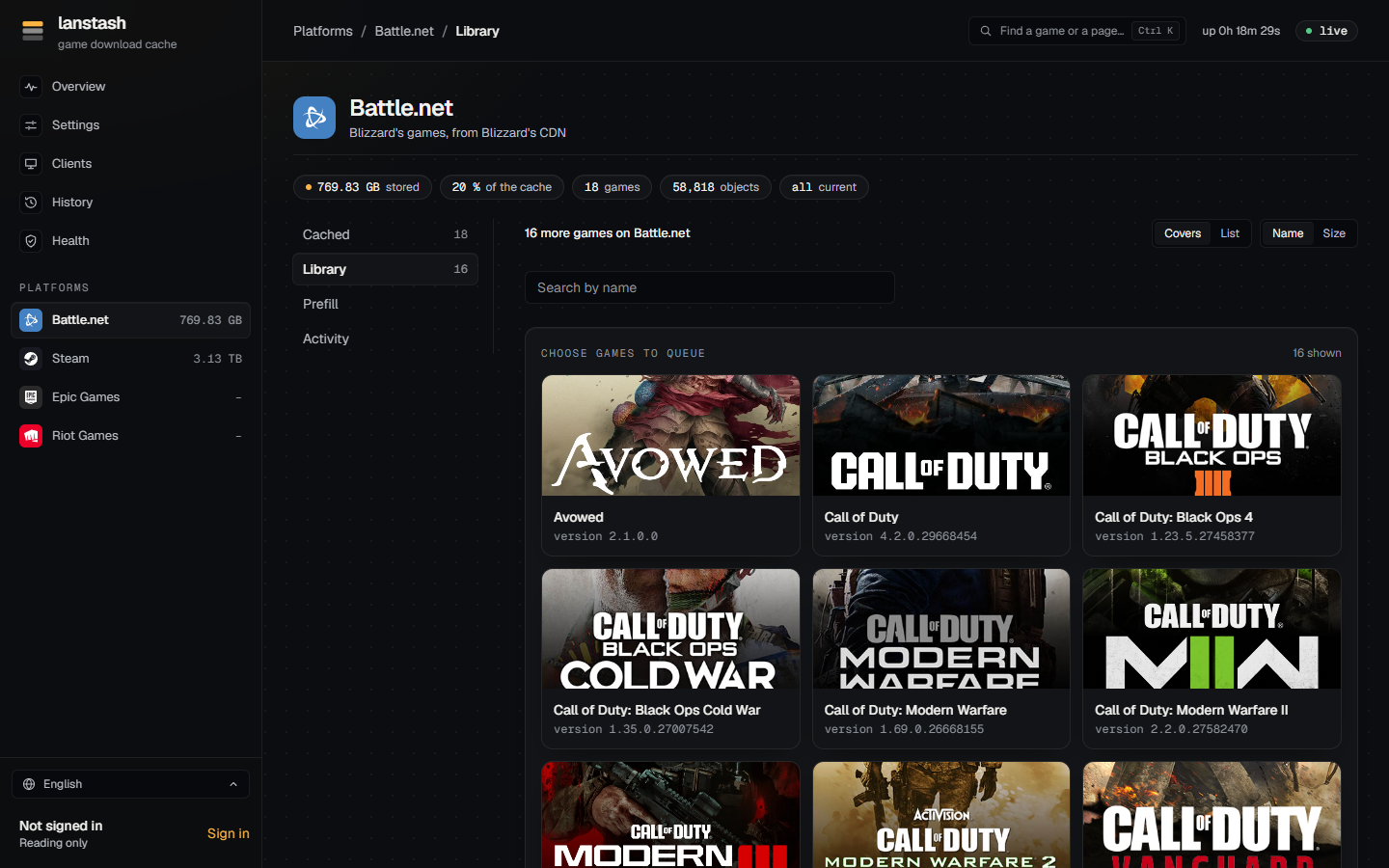
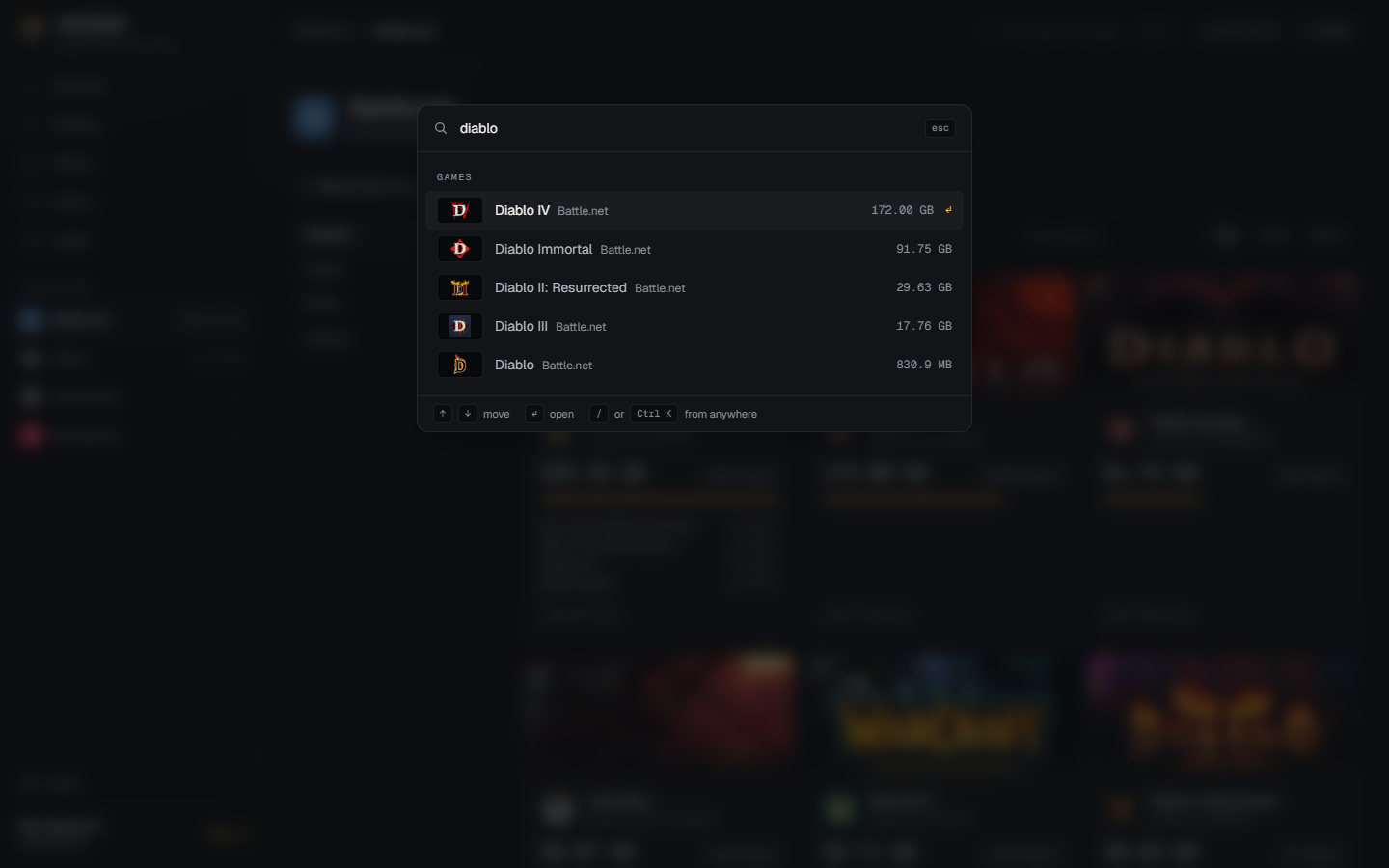
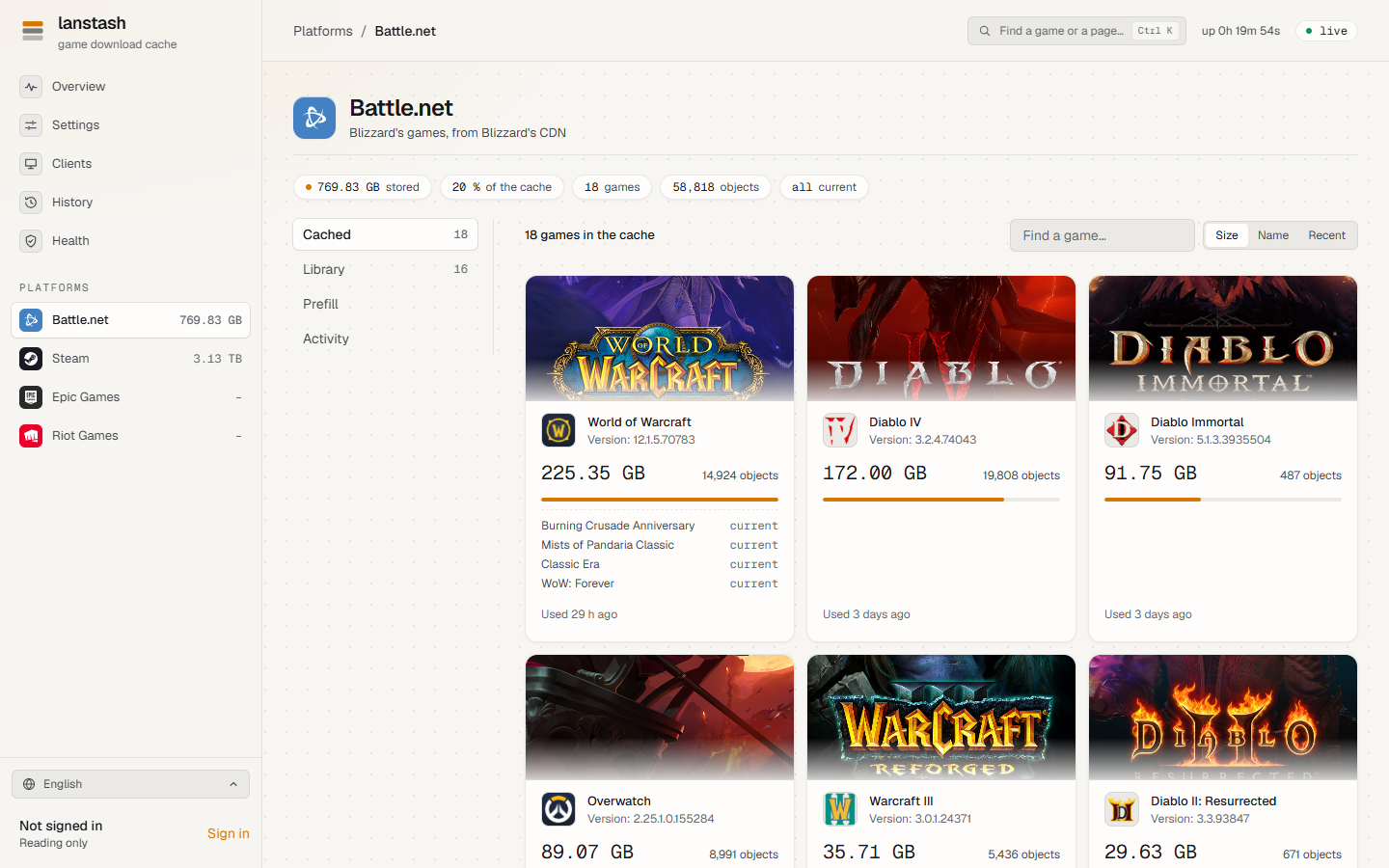
A look around
In one minute
sha256sum -c lanstash-<version>-linux-x86_64.tar.gz.sha256
tar -xzf lanstash-<version>-linux-x86_64.tar.gz && cd lanstash-<version>-linux-x86_64
sudo ./lanstash install --config lanstash.conf --web web
sudo lanstash user add admin --admin
lanstash doctor
Then point your DNS at it (DNS) and open the web UI on its admin port. The known limits say what it does not do yet.